Scan and you’re in
Open the companion app on your Mac, scan the QR from the headset, and your room of agents assembles itself.
SessionPaired
## Pair
Scan the QR from your Mac's menu bar.
## Fly
Six panes spawn right where you left them.
Floating SSH terminals in 3D space — one seat per agent. Your Mac does the work. Scan a QR and you're in.
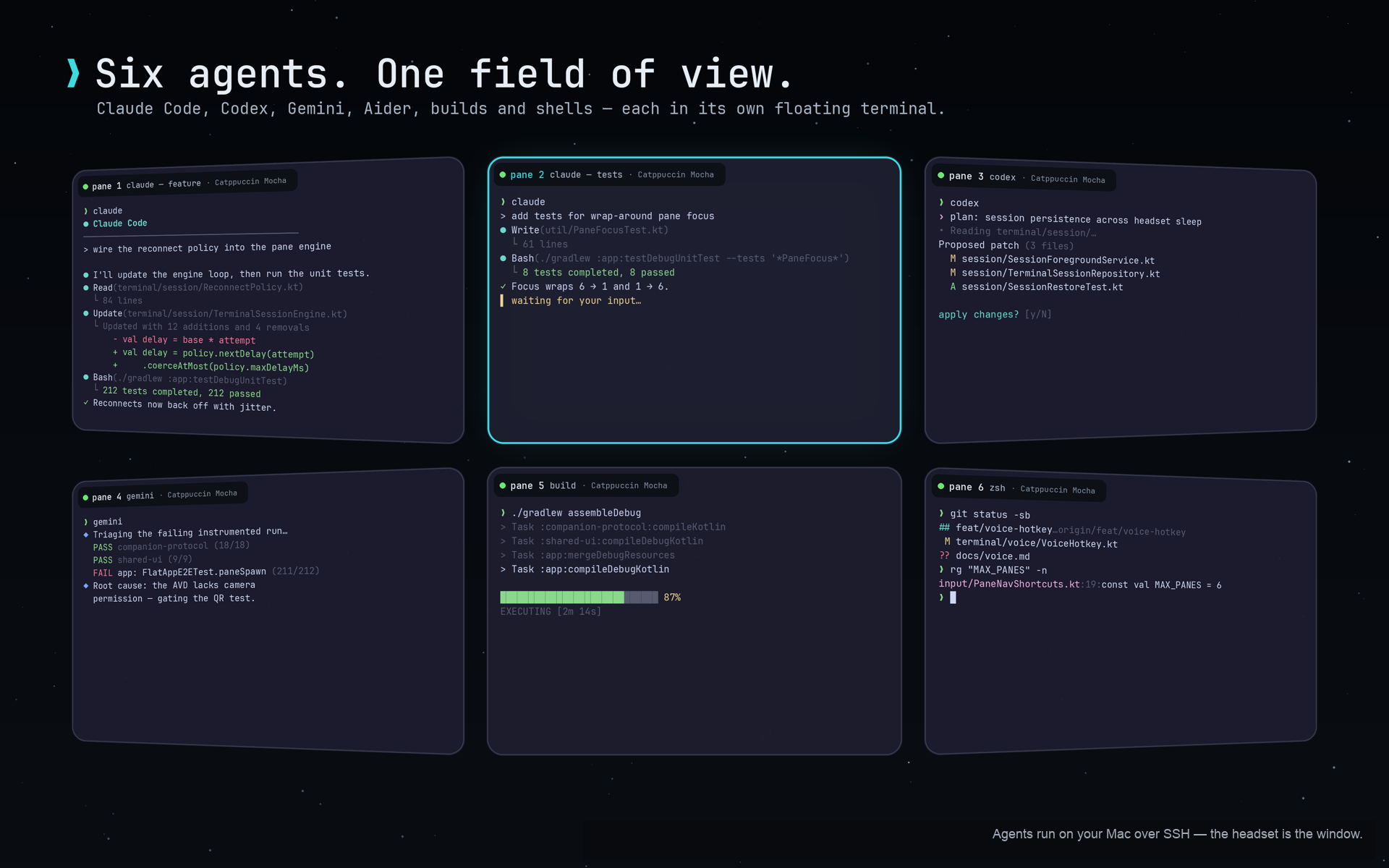
Every shell, agent, toolchain, and repo stays on the machine that already has them. The headset is a thin client over your LAN.
Panes lift off the laptop and settle into a curved arc at reading distance — one seat per agent, every one a real PTY.
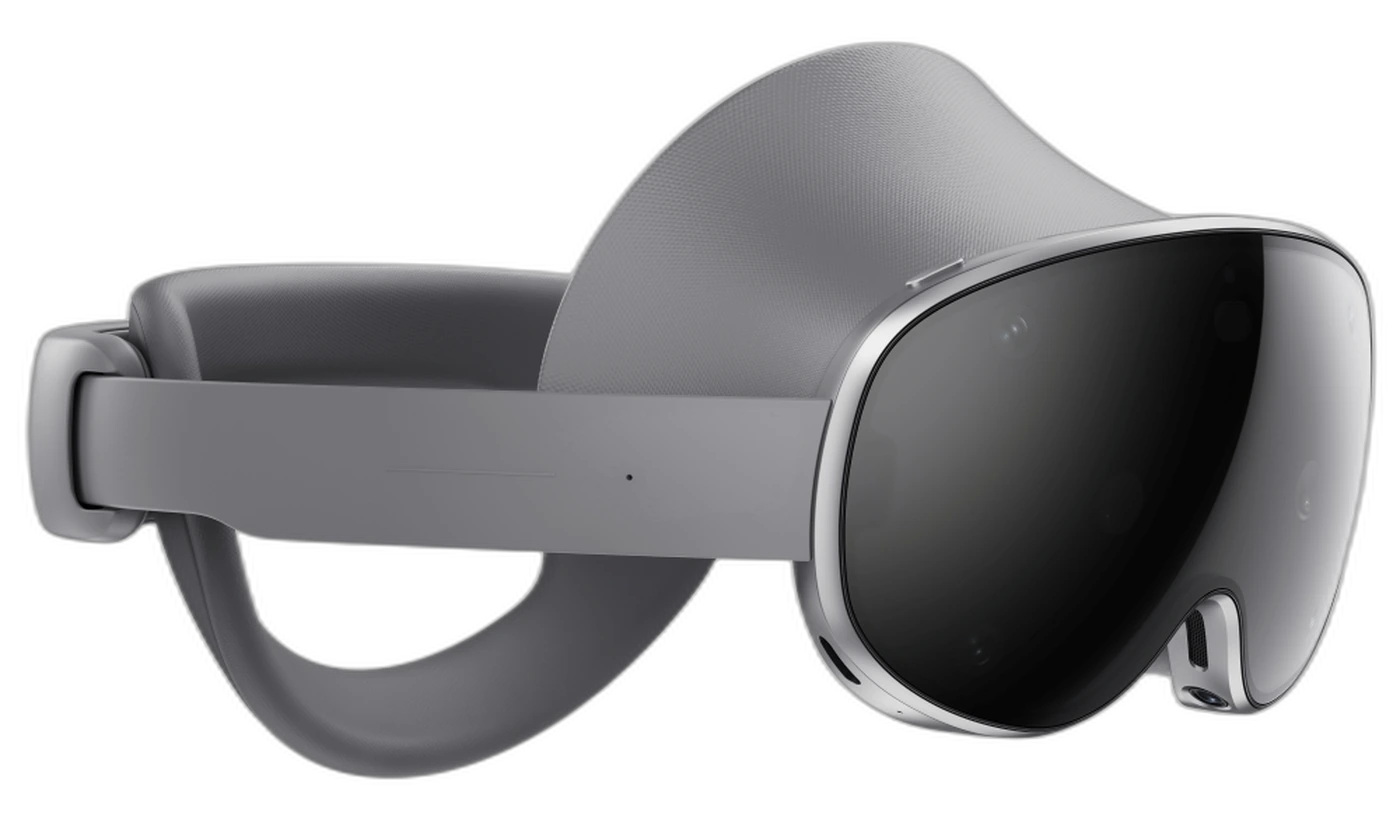
Galaxy XR turns your whole field of view into terminal real estate. Six agents, glanceable at once, rendered natively on the headset.
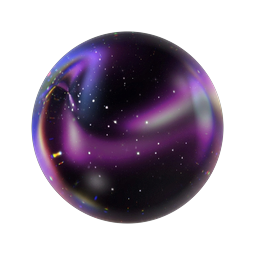
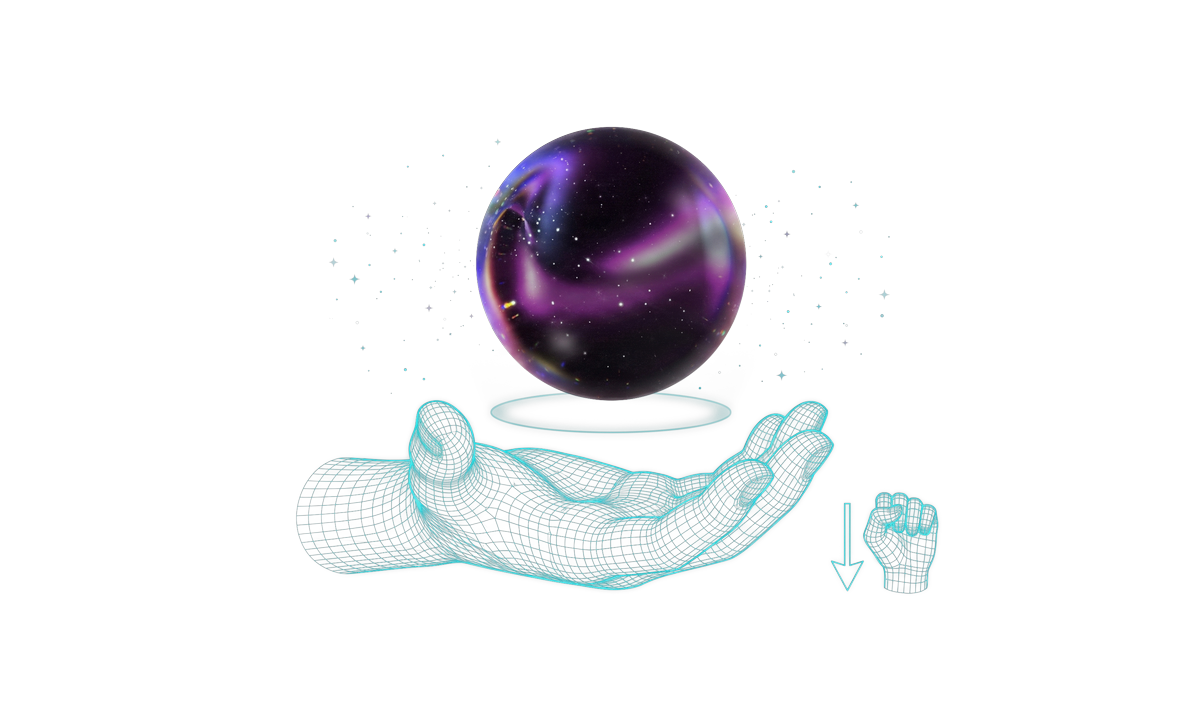
Hold a palm up and the orb floats in, listening. Speak, flip your palm down, and your voice steers the focused terminal.


Spawn a pane, seat an agent — claude, codex, gemini, aider, a build, a plain shell. Arrange them in a curved arc at reading distance.

Supervising agents is a peripheral-vision problem. Look at the one that needs you, type a one-line steer, look away again.
claude is idle, gemini is still working, and codex is the one waiting on you — type "commit it" and look away again.
The amber ring is the one that needs you — everything else keeps running in the periphery.

Tabs hide state, and tmux shrinks past useful around four splits. XR gives you your whole field of view back.
One pane in focus. Every other agent lives behind a tab you have to remember to check.
Four splits in, every terminal is a postage stamp — and TUIs start to wrap and break.
Six full-size panes in a curved arc at reading distance. All of them glanceable at once.

The headset is a thin client. Your Mac runs the shells, the agents, the toolchains, and the files — nothing about your setup changes.

Every pane renders natively on the headset. No web views, no VNC, no screen-scraping a Mac display.
From the first QR scan to a locked room full of working agents — every piece is native, local, and already yours. No cloud relay, no account, no environment drift.
Open the companion app on your Mac, scan the QR from the headset, and your room of agents assembles itself.
We never fork your environment. Dotfiles, toolchains, repos — everything stays on the host.
Your Mac stays the source of truthdotfiles · toolchains · reposAgents mostly need a word, not a session. Answer in one line and get back to the rest of the room.

Spawn a seat for every agent, arranged in a curved arc at reading distance. Spatial layout is the feature.
Take the headset off and the agents keep running on your Mac. Put it back on and the room is as you left it.
 Your agents kept running the whole time.4:12 / 6:03
If it runs in a terminal on your Mac, it runs here — agents, builds, TUIs, plain shells.
Swap passthrough for a dark skybox and the agents become the only thing in the world. A toggle, not a tax.
 Dark skybox on — just you and the agents.
libssh2 into macOS’s built-in SSH server over your LAN. No cloud relay, no account, nothing leaves your network.
A new pane inherits from the one you’re looking at. Pinch, drag, release — then seat an agent in it.
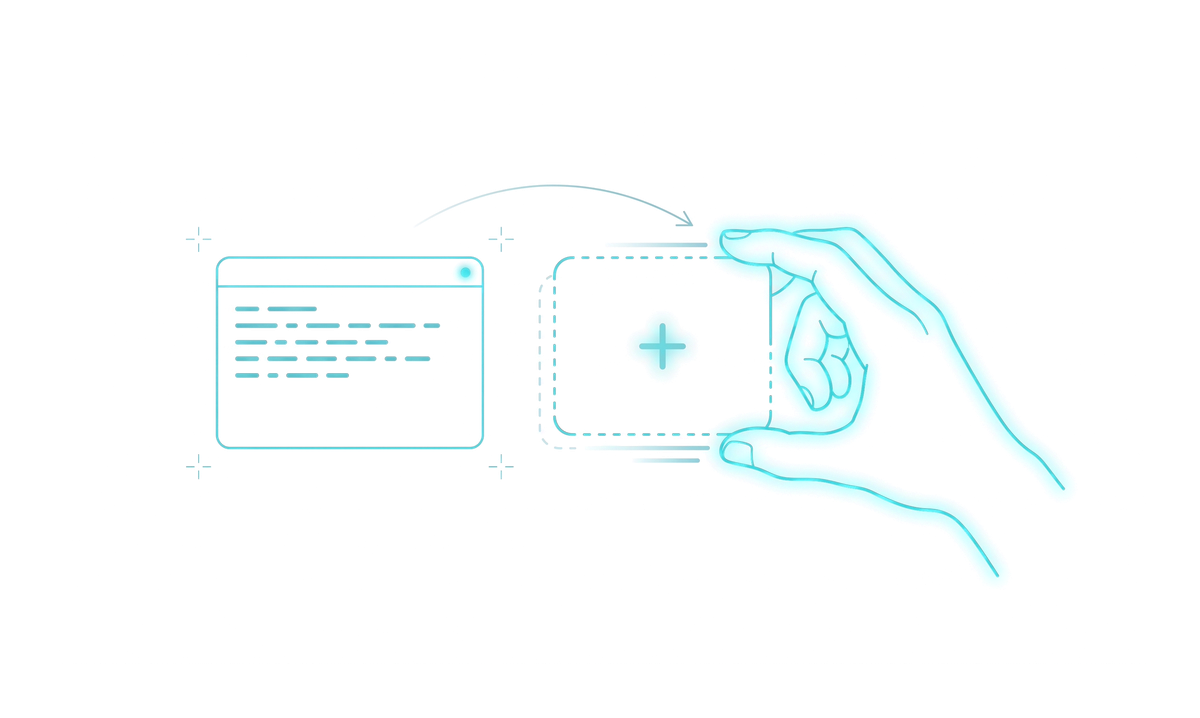
Palms together freezes every pane exactly where you parked it. Same gesture to unlock.
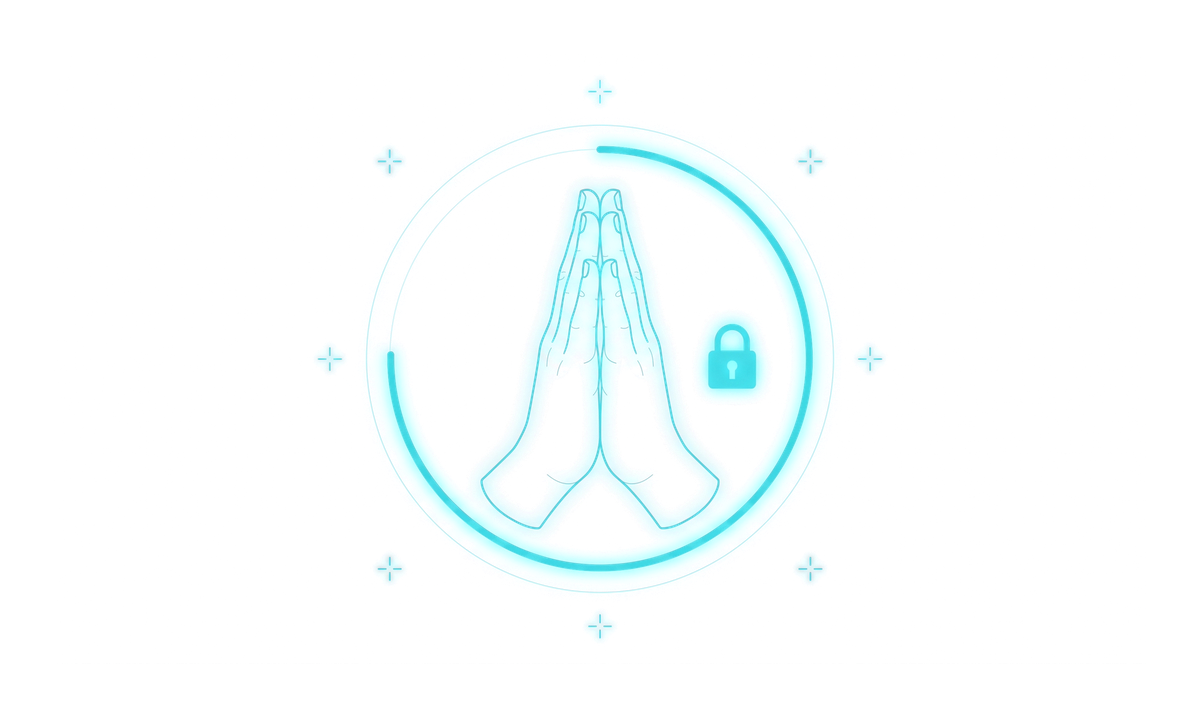
Hold a palm up and the orb floats in, listening. Flip it down to send the command to the focused pane.
A native arm64 Android XR build — terminal rendering and SSH transport in a single Zig JNI core. Install it from Google Play, scan the QR from your Mac, and you're flying.
Android XR is the same platform Samsung and Google are pushing toward lighter, glasses-class hardware. Orb XR is a native citizen of that platform — no forks, no wrappers — so it moves where the hardware goes.
Five honest pieces of engineering — no web views, no VNC, no cloud in the middle.
The terminal core behind Ghostty, rendering every pane natively on the headset.
Real ANSI · Kitty protocol · true color
Your Mac's shells, carried to the headset over your LAN.
macOS built-in SSH server · no cloud relay
Spatial panes arranged in a curved arc at reading distance.
Jetpack XR · Kotlin + Compose
libghostty and libssh2 compiled into a single JNI library.
arm64-v8a · one ~28 MB .so
Menu-bar app that shows the QR code the headset pairs with.
SwiftUI · optional